Discord & WhatsApp Font Tricks: Bold, Glitch & Fancy (2026)
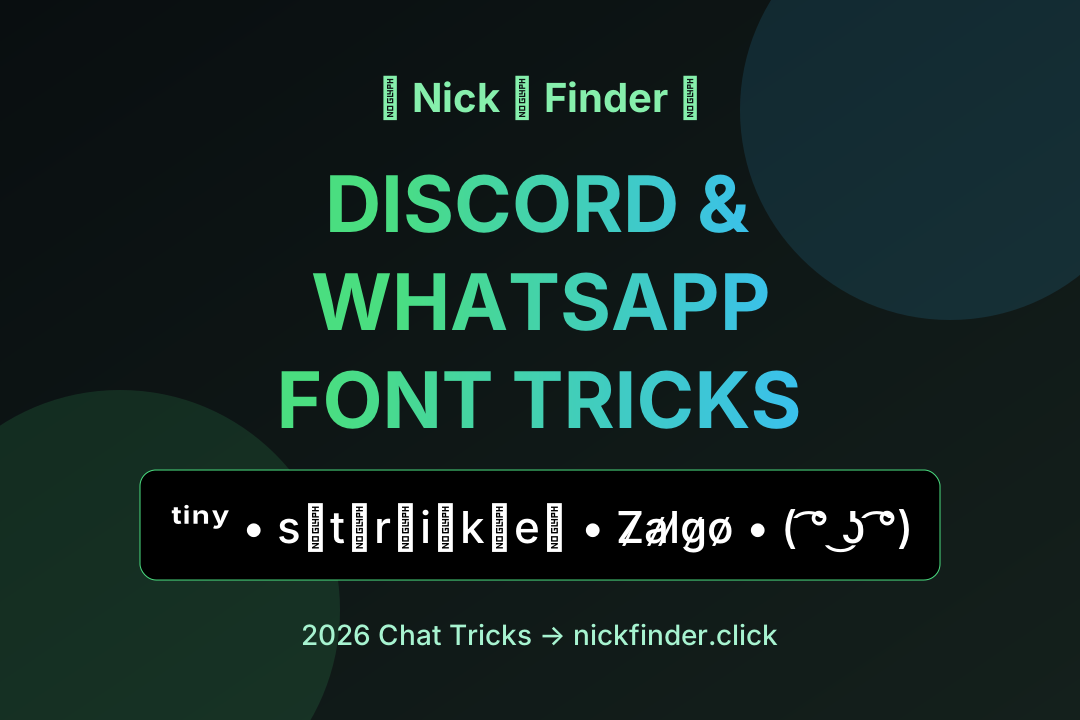
Group chats have two kinds of people: those who type, and those whose messages arrive with style. This cheat-sheet collects the text tricks that still work great in 2026 for Discord, WhatsApp, Telegram and friends — native markdown shortcuts plus fancy Unicode fonts you can paste anywhere.
Part 1 — native formatting (no tools needed)
- *bold* → bold
- _italic_ → italic
- ~strikethrough~ → strikethrough
- `_monospace_` (triple backticks) → code look
- `> quote` and `>>> blockquote`
Discord
- **bold**, *italic*, ~~strike~~, __underline__
- `> quote`, ||spoiler||, # heading, -# subtext
- ```code blocks```plus syntax highlighting
Native formatting is perfect for long messages. But your name, status and channel topics don't accept markdown — that's where Unicode shines.
Part 2 — Unicode font tricks (paste anywhere)
👻 Glitch & cursed text
For haunted-server vibes or Halloween reveals:
- N̶̍̊͂͝i̷̓c̷̎͝e̶ (mild)
- Z̸̡̰̱̈́̓̾ₐ̸̤̓l̷̢̗̜̓ġ̶̨̂ȍ̸̪̦ (medium)
Generate endless versions with our glitch text generator — it lets you pick mild, medium or extreme corruption. Receivers on older phones may see taller-than-usual lines, so use it in names and short phrases, not paragraphs.
✂️ Edit-style text
- S̶h̶a̶m̶e̶ ̶s̶a̶m̶e̶ — for crossing out your typos dramatically
- U̲n̲d̲e̲r̲l̲i̲n̲e̲d̲ — grand announcements
- Ť̵Ĥ̵Î̵S̵ — slashed urgency
All produced instantly on the strikethrough text page.
🔬 Whisper-mode text
- ᵗⁱⁿʸ ᵗᵉˣᵗ for passive-aggressive footnotes
- ₛᵤᵦₛ𝒸ᵣᵢₚₜ for chemistry jokes
- sᴍᴀʟʟ ᴄᴀᴘs — the most readable tiny style
Get yours on the tiny text converter.
Part 3 — names, nicknames & statuses
Display names in Discord servers and WhatsApp contact names are prime real estate. Ideas:
- Server mod: ♛ 𝑴𝒐𝒅 𝑶𝒏 𝑫𝒖𝒕𝒚 ♛
- AFK status: ⌘ ᴢᴢᴢ ⌘
- Music bot fan: ♪♫ ʟᴏ-ғɪ sᴏᴜʟ ♫♪
- Raid night: ⚔️ Ʀⱥłđ ₮ł₥ɇ ⚔️ 8PM
- Study group: sᴛᴜᴅʏ ʜᴀʙɪᴛ
- Best friend contact: ෴♡ my person ♡෴
Part 4 — reactions without emojis
When you can't drop an emoji (or want to look retro-cool), kaomoji reactions still slap:
- ( ͡° ͜ʖ ͡°) — the classic
- ¯\_(ツ)_/¯ — responsibility declined
- (╯°□°)╯︵ ┻━┻ — meeting went badly
- ᕙ(⇀‸↼‶)ᕗ — feeling strong
- (づ。◕‿‿◕。)づ — hug delivery
Troubleshooting: why did my styled text fail?
- Boxes instead of letters (□□□) → that device lacks the glyph; choose a simpler font.
- Rejected by the app/game → remove stacked (zalgo) combining marks, or trim length; many games cap characters.
- Looks plain after pasting → the platform normalizes names; try a lighter style or a different field (bio vs. username).
- Weird line spacing → combining marks add vertical height; pick mild variants for compact areas.
The golden rules of styled chat text
- 60/20 rule: style names, statuses and hooks; leave full sentences plain.
- Test the platform first — paste once, check on your own second device, then commit.
- One signature frame across platforms = instant personal brand recognition.
Where do these characters even come from?
Apart from kaomoji, every "font" here is a standard Unicode character — we explain the whole mechanism in our guide to how fancy text generators work. The short version: they're letters that look styled, so they paste like any text.
Stuck for a name idea?
Roll the random name generator until something clicks, or type your current name into the fancy text generator and hit ⋆✨ Deco on your favorite result — six collections of frames (kawaii, gamer, lines, faces and more) are one tap away. Your chat presence is about to level up. 💬